
Trisha Studios
Knowledge Centre
The Core Problem
A film's visual appearance is defined by the relationship between the light captured on set and the display system presenting that light to an audience. A television set in a living room, a cinema projector in a theatre, a laptop screen on a plane, and a Netflix HDR TV in a home theatre are all physically different display devices with different colour primaries, different white points, different peak luminance, and different contrast ratios.
Without colour management, the same image file will look different on each device. Colours shift. Highlights that appear clean on a calibrated cinema monitor clip to white on a broadcast television. Shadow detail that is clearly visible in the grading suite disappears on a compressed online stream. The film's visual intention is lost in translation.
Colour management is the discipline of explicitly accounting for this — defining the colour space at every stage of the pipeline, specifying the transform that converts between them, and ensuring that what the colourist sees in the grading suite accurately predicts what the audience sees.
Scene-Referred vs Display-Referred
The most important conceptual distinction in colour management is the difference between scene-referred and display-referred colour spaces. A scene-referred colour space represents actual light — the luminance and chrominance of the physical world as captured by the camera. A display-referred colour space represents the signal sent to a specific display device.
Camera manufacturers each have their own scene-referred colour space: ARRI uses Log C / ARRIRAW with AWG (ARRI Wide Gamut); Sony uses S-Log3 / S-Gamut3; RED uses RedWideGamutRGB / Log3G10; Blackmagic uses BRAW with Blackmagic Wide Gamut. Each is optimised to maximise the dynamic range captured by that camera's sensor.
When multiple camera formats shoot the same production, the colourist must convert all of them into a common colour science for grading. Without this step, grading in one camera's colour space and applying the same correction to another camera's footage produces inconsistent results — what looks correct for ARRIRAW looks wrong for REDcode RAW.
ACES as the Common Language
ACES (Academy Colour Encoding System) was developed by the Academy of Motion Picture Arts and Sciences as a universal colour management framework. Its central innovation is a linear, scene-referred colour space with a gamut larger than any camera can capture and a luminance range that encompasses all current and anticipated display standards.
An ACES workflow converts each camera's footage into the ACES colour space (using Input Transforms, one per camera type) and grades in that common space. Output Transforms then convert the graded ACES values into the correct signal for each display or delivery format: HDR10 for Netflix, Dolby Vision for theatrical streaming, DCI P3 for cinema, Rec.709 for broadcast.
The creative grade — the colourist's work — is stored in ACES. The output transform is a mathematical description that is applied at render time. If a new delivery format emerges, you add a new output transform. The grade itself does not change.
LUTs and CDLs in Practice
LUTs (Look-Up Tables) and CDLs (Colour Decision Lists) are the tools that implement colour management at the practical level. A LUT is a 3D table that maps input colour values to output colour values — it encodes the transformation between two colour spaces, or between a technical grade and a creative look. A CDL is a simpler format (slope, offset, power for each RGB channel, plus saturation) that describes a basic colour correction.
On set, the DIT (Digital Imaging Technician) applies a LUT to the monitor so the director and DoP see something close to the intended final look — not the flat, washed-out appearance of the camera's log footage. The CDL values adjusted on set are saved with the clips and handed to the colourist, who uses them as a starting point for the grade.
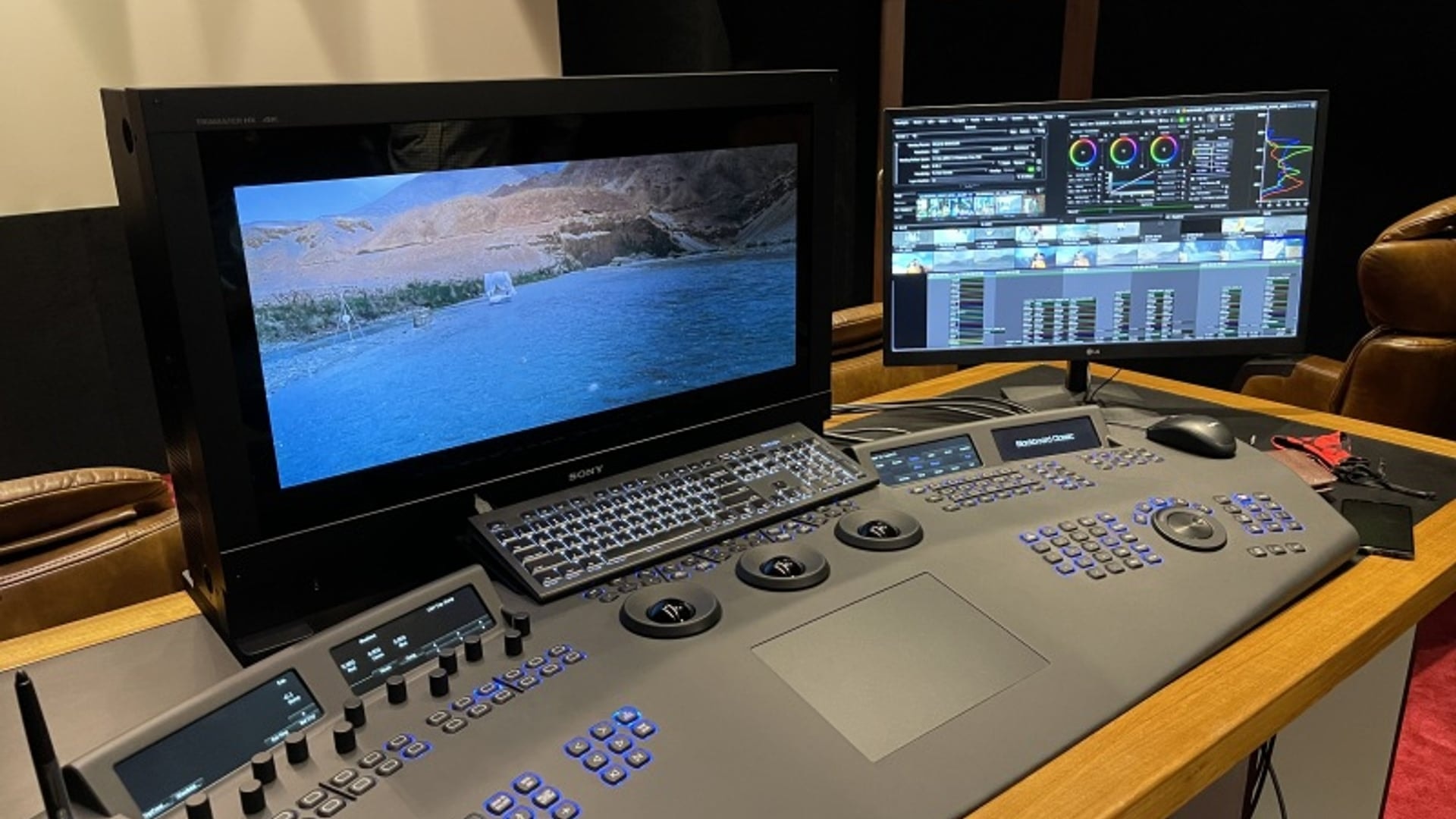
The colourist then works within a colour-managed pipeline — in our case, Baselight with ACES — applying creative corrections on top of the technical foundation established by the input transforms and on-set CDLs. Every display in the grading suite is calibrated to SMPTE ST 2084 (for HDR) and SMPTE RP 431-2 (for theatrical P3), so the colourist sees exactly what the audience will see on a calibrated system.
Common Questions
Do I need to think about colour management before shooting?
Yes. Decisions made during principal photography — camera format, log gamma curve, white balance approach — directly affect the colour management pipeline in post. A production planning to deliver in Dolby Vision and HDR10 should discuss colour management with the DoP and post facility before the first day of shooting.
What is a viewing LUT?
A viewing LUT converts camera log footage to a display-referred image so that monitors on set and in editorial show something close to the intended final look. It is not the creative grade — it is a technical transform that makes the log image viewable. Viewing LUTs are typically supplied by the DoP or created by the DIT during preparation.
ACES-Managed Colour Pipeline at Trisha Studios
From camera original to simultaneous HDR and SDR delivery — built on FilmLight Baselight and internationally benchmarked colour science.
See Our Colour Pipeline